Guides
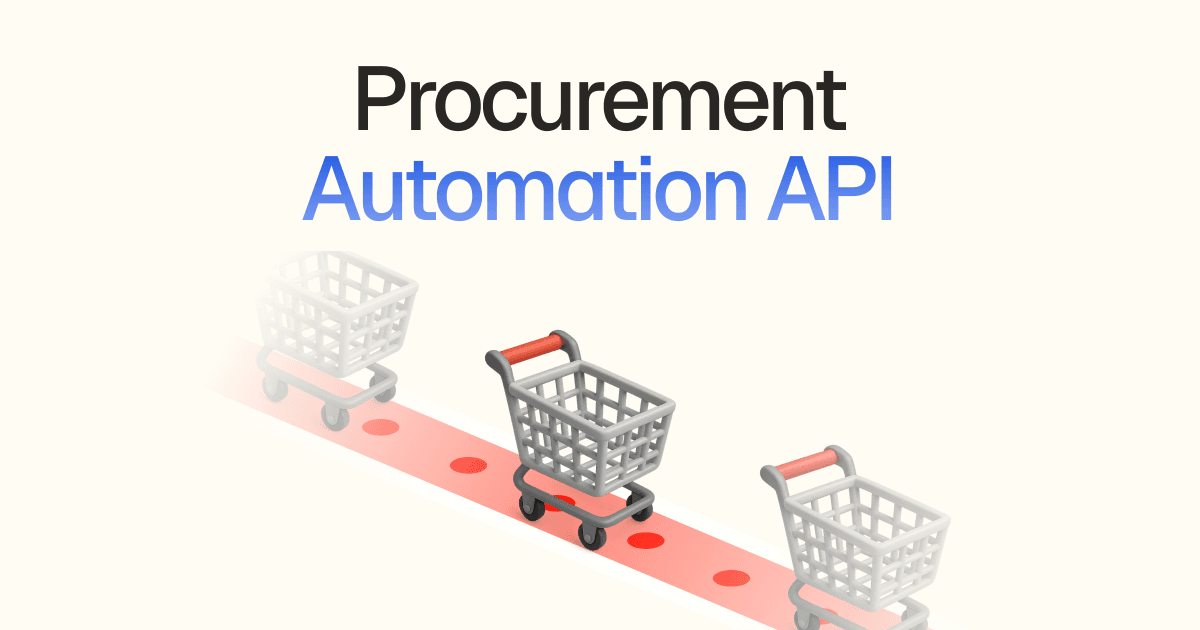
Procurement Automation API: Build Internal Buying Workflows
Learn how a procurement automation API automates retail order placement when platforms like Spendflo and Zapier stop at checkout. Build your workflow.

Zinc automates tail spend by placing retail purchases through an API on the Amazon Business, Walmart and supplier accounts your company already holds, so negotiated pricing, tax exemption and payment terms stay in place. Every order carries a PO number and comes back with the retailer order number, price breakdown and delivery confirmation, one at a time from your system or as a spreadsheet dropped on the dashboard.
 HP 962 ink, 4-pack120approved
 CAT6 cable, 25 ft400approved
 Nitrile gloves, L600approved
 Packing tape, 36 pk150approved

 waitingidle
700,000+ orders a year$30M+ in goods delivered1B+ API calls served
Strategic suppliers get EDI and PunchOut. Everything else is a person keying carts. Here is where every finance team gets stuck.

3 weeks of checkouts
Tail spend
Strategic suppliers get EDI and PunchOut. Everything else is a person keying orders, one cart at a time.







The long tail
The specialist with a 1996 storefront will never do a PunchOut project. Their orders stay manual.
Your order has shipped!
no-reply@retailer.com
Delivery update — action req…
tracking@carrier.io
Return window closing soon
no-reply@retailer.com
Your package was delivered
updates@carrier.io
Refund processed for item…
no-reply@retailer.com
Your order has shipped!
no-reply@retailer.com
Delivery update — action req…
tracking@carrier.io
Return window closing soon
no-reply@retailer.com
Your package was delivered
updates@carrier.io
Refund processed for item…
no-reply@retailer.com
The ledger
Confirmation emails get forwarded, PO numbers get lost, and three-way matching happens against paper.
Strategic suppliers are wired in through EDI and PunchOut. Everything else is a person with a company card and a browser, buying at Amazon, Walmart and Home Depot. Zinc places those purchases for you, from a file or from your own system; One benefits platform alone sends more than 100,000 orders a year through it. Here is how one goes.
Amazon accountoursTarget accountyoursWalmart accountoursBest Buy accountyoursHome Depot accountoursCostco accountyoursAmazon accountoursTarget accountyoursWalmart accountoursBest Buy accountyoursHome Depot accountoursCostco accountyours01 · Account
Amazon Business, Grainger, Home Depot Pro. Your negotiated pricing, tax exemption and payment terms carry over, because the order is placed on your account.
waitingidle02 · Order
Approved requisitions go in as one file, or one at a time from your system. Every line comes back with the retailer order number and a result.
03 · No code
No integration, same machinery. Drop the spreadsheet on the dashboard and download every outcome when it lands.
WELCOME TO OUR ONLINE CATALOG
| M8 hex bolts (500ct) | $41.00 | ADD |
| Grade 5 washers, bulk | $18.50 | ADD |
~ Est. 1996 · You are visitor № 0048213 ~
04 · Any supplier
The specialist supplier with a 1996 storefront is as orderable as Amazon. No PunchOut project, no EDI onboarding.


 1Z 9X7 0A0 03 4172 6914arrives Thursday
Retailer emails, carrier scans, delivery photos — everything about a shipment lands in one ordered timeline you can read from code.
05 · Record
The retailer order number, the real price breakdown and delivery confirmation sit on the record, exportable by cost center or period.
Generate return labels and initiate returns programmatically — no support tickets, no coordination, no delays.
06 · Return
Wrong size, damaged box, double order. Open the return against the order and follow it to the credit.

 mcmasterdelivered$1,640.00amazonshipped$4,600.00
 graingershipped$5,910.00walmartprocessing$4,560.00
 ulineprocessing$1,150.00
 zoroprocessing$682.50homedepotprocessing$2,061.00graingerprocessing$1,782.00ulineprocessing$1,494.00amazonshipped$4,797.50staplesprocessing$2,208.00
07 · Team
Every order, shipment and return in one place. Filter by PO, approve a return, export the month, no engineer required.
Forty approved requisitions, one file, every outcome back before finance closes the month. The same flow delivers health benefit items or a corporate gifting program.
The product page URL, quantity, ship-to address and the PO number from your system. Zinc checks each row and waits for your go.
Zinc places each line on your Amazon Business, Walmart or supplier account, so your pricing and tax exemption apply. Set the most to pay per line, and anything over it is not placed.
The retailer order number, the real price breakdown and delivery confirmation on every line, exportable by cost center for the three-way match.
An aging-in-place benefits platform. The platform built its own eligible-items catalog on Zinc’s product data, refreshes it against live stock, and hands each approved order to Zinc to buy and deliver to the member’s door.
In numbers
No PunchOut project, no EDI onboarding. Zinc is the execution layer under your procurement system, not a spend suite. Upload this month’s approved orders today.
Or see it work first: ask Zinc AI to “Find the cheapest case of copy paper, 10 reams, that ships free”
PunchOut covers the suppliers who built a catalog for you. Zinc covers everyone else: the retail and specialist stores your team buys from by card today. There is no catalog project on the supplier side, because Zinc buys from the store as it is. The two sit side by side; Zinc takes the long tail.
Yes, when you buy on your own exempt business account saved as a buying account. The retailer applies the exemption as it would for any order on that account. Orders placed on Zinc-managed accounts are not tax exempt. Tax is calculated by the retailer at checkout, so pad max_price to allow for it.
Yes. po_number rides on the order and is returned on every read, list and export. Add any other reference your ERP needs in metadata, then filter the orders list by it for reconciliation.
Keep them where they are. Zinc is the step after approval: your system posts the order once the requisition is approved, and the result row comes back with the retailer order number and real total. For a batch, validate the CSV first so a reviewer sees every line before anything is placed.
Amazon Business, Walmart, Grainger, McMaster-Carr, Home Depot, Lowe’s and thousands of other retailers. Save the login once and orders are placed on it with your pricing and terms. Look a store up on the integrations page.
Every order records the retailer order number, the real price breakdown, carrier checkpoints and delivery confirmation. Export orders by PO number, cost center or date for three-way matching. The retailer invoice itself still lands in the buying account as it always has.